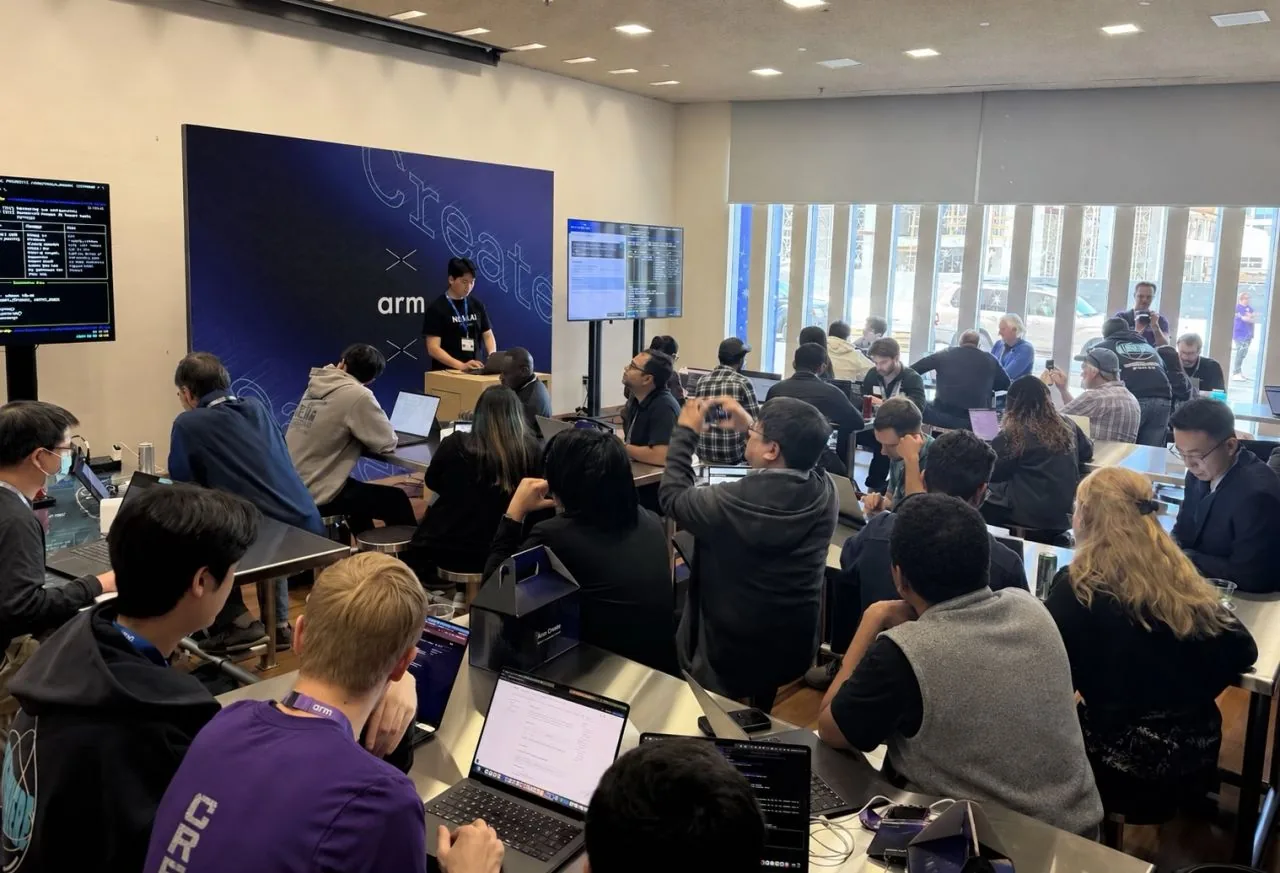
On October 19, 2026, developers gathered at The Tech Interactive in San Jose for a hands-on Arm Create session led by Arm and Nota AI. The session gave attendees a chance to explore the Arm AI Model Optimizer in practice. Over a 45-minute exercise, participants used their laptops to submit optimization experiments for an image-classification model targeting an Arm neural processing unit (NPU), then compared accuracy and estimated performance. Because the workflow came down to a few commands and a configuration file, everyone, including developers new to model optimization, completed the task.
Arm Create was a developer event held to coincide with PyTorch Conference. It centered on practical AI development across cloud to edge to physical AI. Attendees could explore technologies including Gemma, LiteRT, PyTorch, and ExecuTorch through hands-on sessions and demonstrations.
Speakers from Google, Renesas, and Nota AI joined Arm as event partners and participated in the opening panel. Representing Nota AI was Steven Kim, CEO of Nota AI America, who discussed the challenges and opportunities developers face as AI models evolve. He emphasized the growing importance of hardware-aware optimization in developing efficient AI applications.
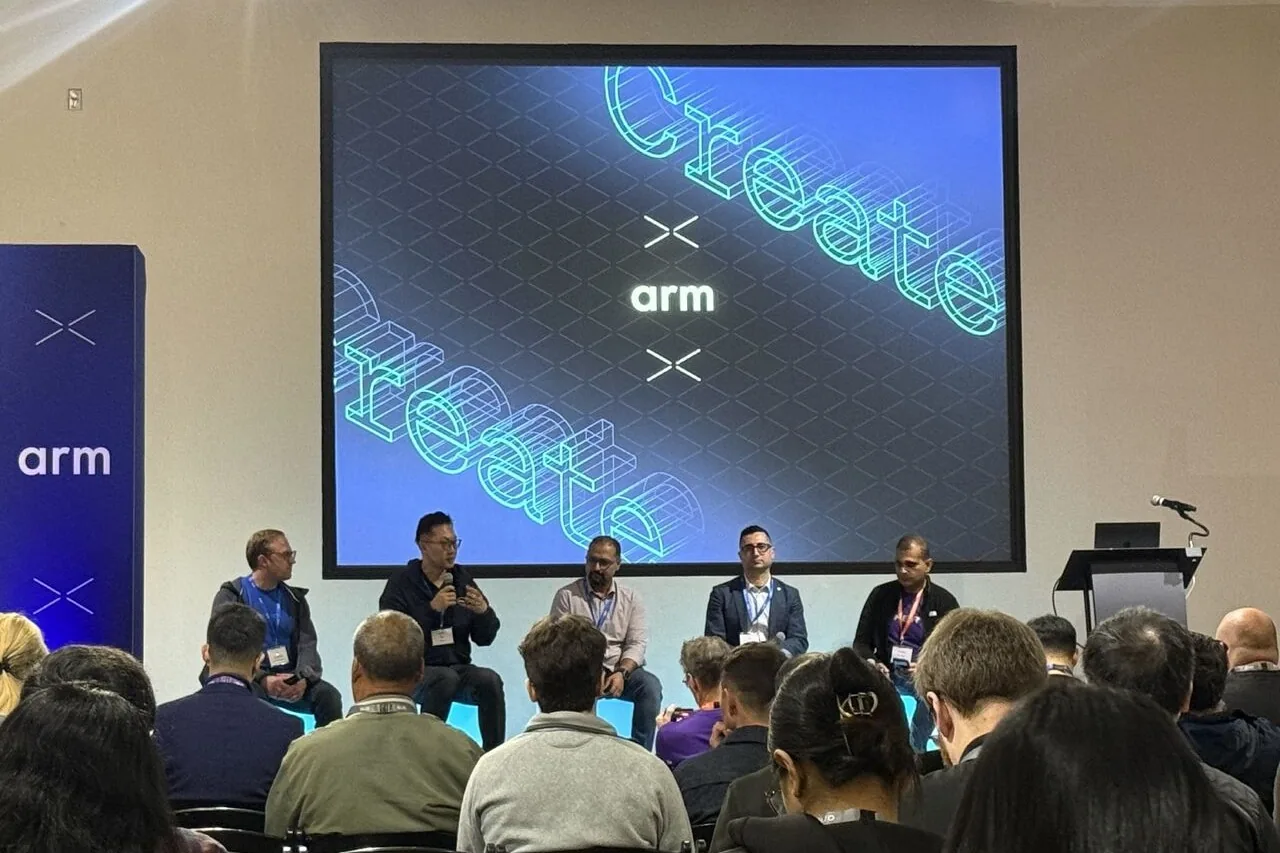
Arm discussed the Early Access Program for Arm AI Model Optimizer, part of Arm AI Portal.
Arm AI Model Optimizer is built on Nota AI's NetsPresso® technology and helps developers optimize AI models for supported Arm hardware. It applies graph optimization, quantization, and mixed precision, and enables developers to compare latency, accuracy, and memory use across optimization configurations to find the right balance for their applications. It is currently available through the Early Access Program on Arm AI Portal. For more details, see Arm's introductory blog post.
Arm’s launch blog highlights three examples of model optimization across different workloads and hardware targets.
The examples cover speech recognition on a smartphone and image segmentation and classification on a Raspberry Pi 5. In each case, latency decreased while accuracy changed little. The Nota AI session gave developers a chance to work through a similar optimization process themselves.
Nota AI split the 90-minute "Hands-on AI model optimization for Arm" session into a 40-minute introduction, a 45-minute guided exercise, and a five-minute results review.
Nota AI CTO Tae-Ho Kim opened by explaining why the tool is needed and how to use it. He explained that AI models evolve quickly, while the operations supported by deployed hardware remain fixed. Optimization helps developers adapt models to those hardware constraints. He then walked through the workflow using the command-line interface (CLI): creating an experiment, running the optimization, and comparing results.
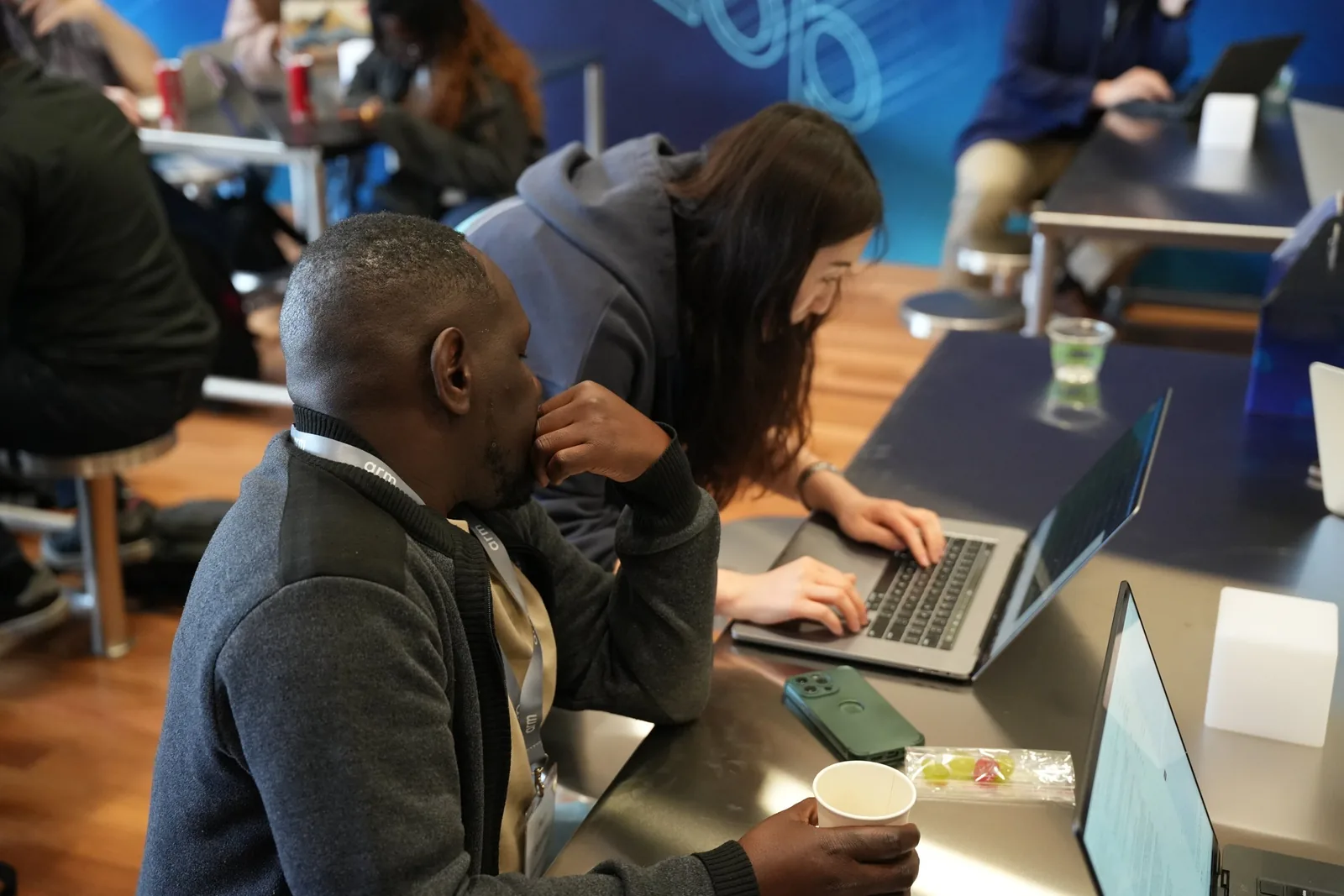
Over the next 45 minutes, attendees followed the tutorial, using their laptops to submit optimization jobs and review the results. Nota AI team members circulated between tables, answering questions and helping attendees troubleshoot issues as they worked through the exercise.
The final five minutes focused on a large language model (LLM) optimization result. The hands-on exercise targeted an image-classification model for an edge NPU, but the demonstration showed how the same optimization workflow applies to an LLM targeting an Arm-based cloud CPU. The team submitted the longer-running LLM job at the start of the session and reviewed the results at the end.
The exercise demonstrated how developers can configure, run, and evaluate model optimizations for a specific hardware target.
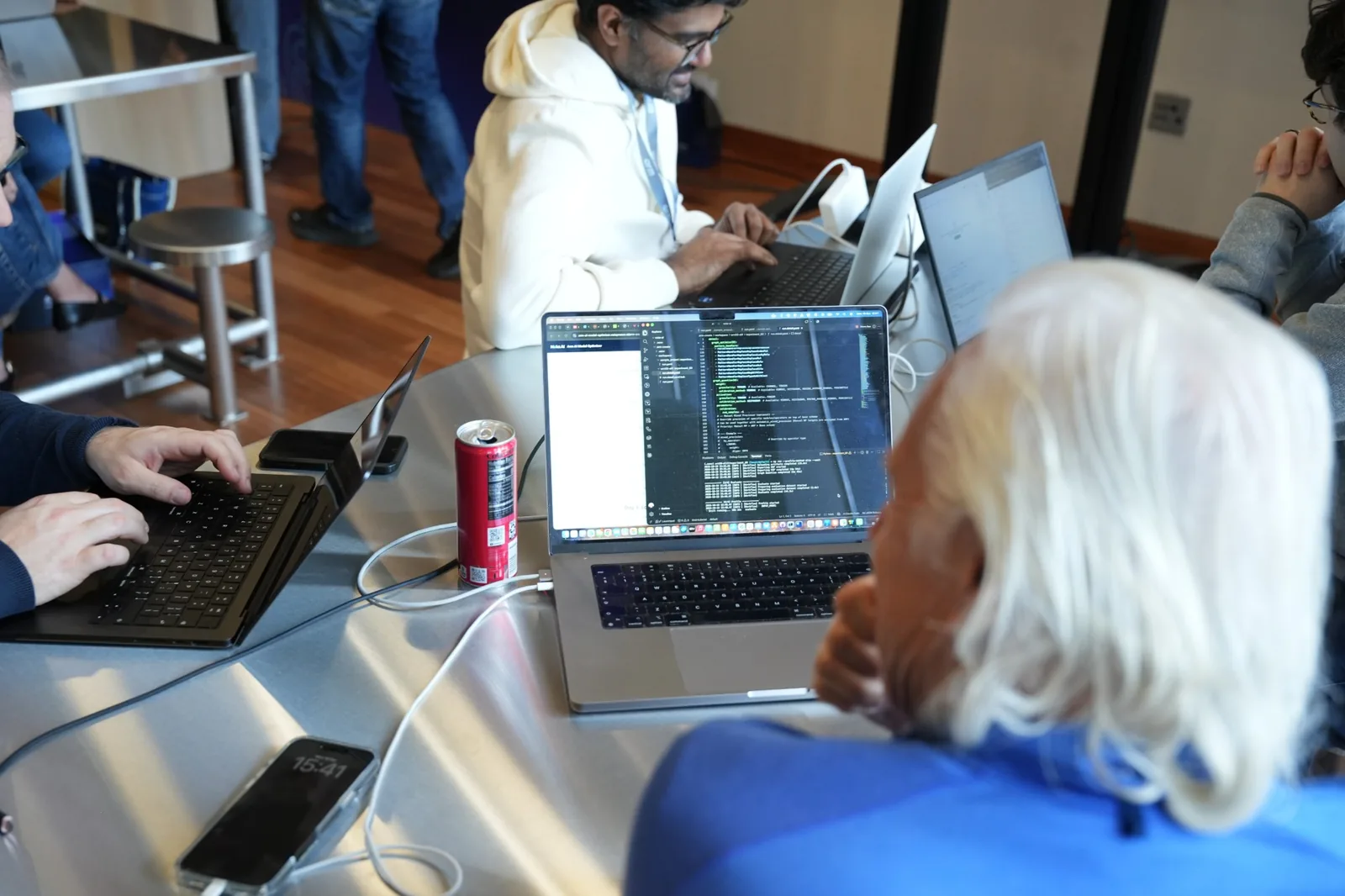
The exercise followed a workflow that developers can apply to their own AI projects. The task was to optimize WideResNet-50, the image-classification model also shown in Figure 1, for the Alif Ensemble E8 DevKit. This board combines an Arm Cortex-M55 CPU and an Arm Ethos-U85 NPU, and the optimization uses two stages: graph optimization followed by 8-bit integer (INT8) quantization.
The ten-step tutorial covered installing the CLI, creating and running an experiment, reviewing reports, visualizing the model graph, and exporting a deployment-ready .pte model file for the target device.
Before running, attendees adjusted two settings in the configuration file.
In the configuration file (run.detail.yaml), they changed weight granularity from per-channel (CHANNEL) to per-tensor (TENSOR) to improve execution efficiency on the Ethos-U85. They also changed the activation calibration method from PERCENTILE to HISTOGRAM to help preserve accuracy. The HISTOGRAM method uses the distribution of activation values to select a range that minimizes quantization error. After editing the values, they used np validate to check the configuration before running the experiment. Once the run completed, an np report command provided a side-by-side comparison of the original model and the results at each optimization stage.
Arm MLIA estimated a 26.6 percent reduction in inference latency, from 477.14 ms to 350.24 ms. Top-1 accuracy changed from 73.98 percent to 73.47 percent, a difference of 0.51 percentage points.
The optimized model was exported as a 42.71MB .pte file targeting the Ethos-U85. The latency result was estimated without using a physical board. The accuracy numbers differ from those for the WideResNet-50 in Figure 1 because the target hardware and evaluation data are different.
In Figure 3, the graph optimization stage leaves the reported metrics unchanged while restructuring operations for the target hardware. The changes in estimated latency and measured accuracy appear after quantization.
Without the tool, achieving the same result requires several separate steps. You export the model to the format supported by ExecuTorch (a runtime that runs PyTorch models on devices), configure the quantization settings and calibration data, and compile it with the Vela compiler (for the Ethos-U NPU). Then estimate latency, evaluate accuracy, and compare the results separately. Each step requires different tools and settings, but attendees completed this process with just a few commands and a single configuration file.
The job submitted at the start of the session was to optimize Qwen2.5-0.5B-Instruct for AWS Graviton4, an Arm-based cloud CPU. The model and hardware target were different, but the workflow of creating a project, running optimization, and comparing results was the same as in the hands-on exercise.
The runtime was ExecuTorch and the backend was XNNPACK, which accelerates supported CPU operations. Unlike the image-classification exercise, this run added activation-aware weight quantization (AWQ) before graph optimization and quantization. AWQ helps preserve model accuracy by accounting for the importance of the different weights during quantization.
After optimization, the model's file size dropped by 39.0 percent, while the XNNPACK delegation rate rose from 38.0 percent to 54.5 percent. That means that a greater share of operations used the XNNPACK CPU acceleration backend. OpenBookQA accuracy changed only slightly, from 34.8 percent to 34.6 percent, in Nota AI’s internal evaluation.
The team also compared response speed using seven identical prompts. On average, the optimized model produced its first token 1.8 times faster and generated responses 2.3 times faster than the original in this demonstration.
After completing the guided exercise, attendees could freely test other models. Some went beyond the basic task to optimize ResNet-18 for a Raspberry Pi 5, while others ran Qwen2.5 on AWS Graviton4.
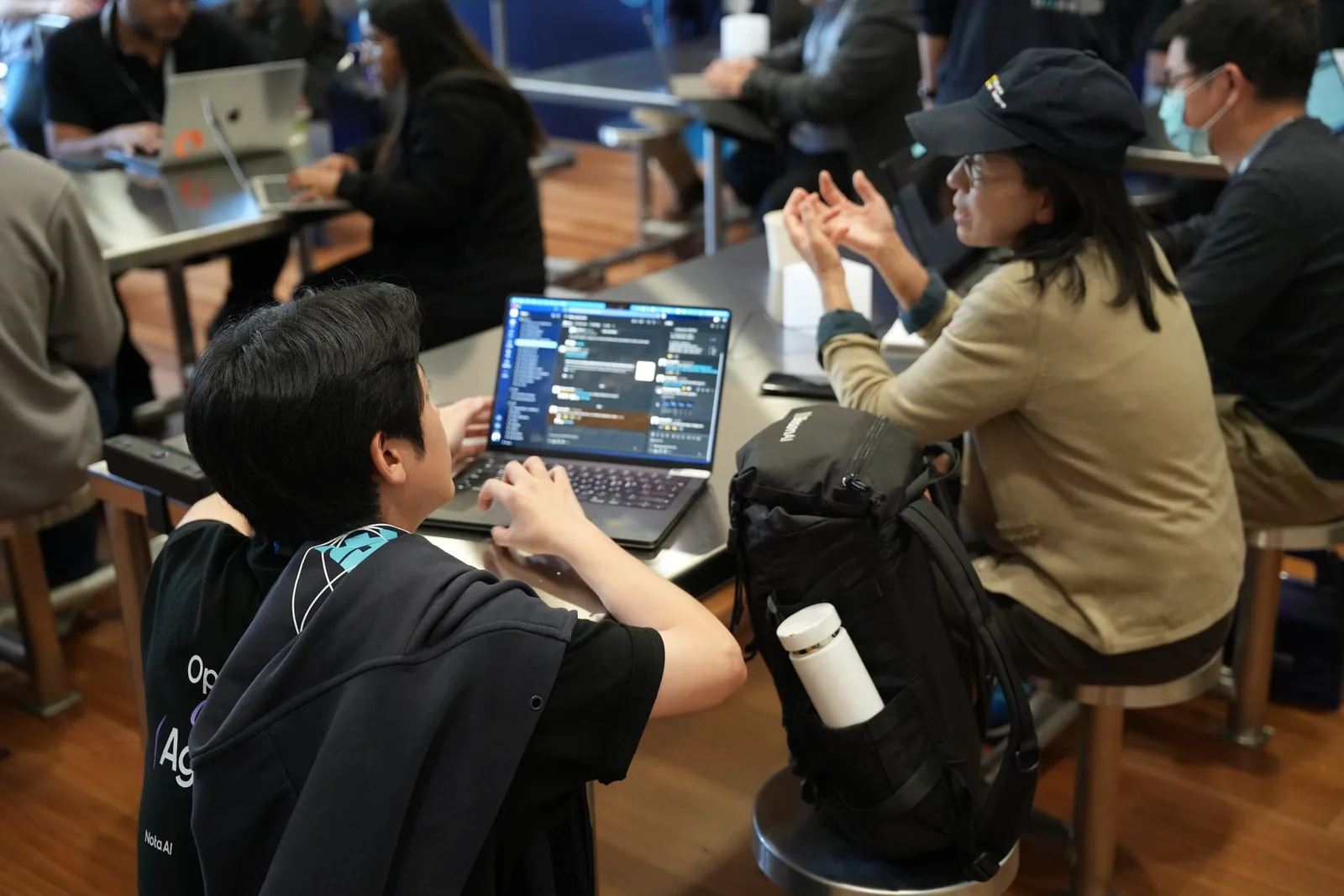
As the hands-on session continued, attendees asked questions about the range of supported AI models and hardware, performance comparisons before and after optimization, how to fit the tool into an existing development process, and how to evaluate it in their own environment. These were practical questions: rather than asking "Will this actually work?", attendees asked "How can I apply this to my project?" After completing the optimization themselves, attendees' interest shifted to applying the tool in their own projects.
Arm AI Portal helps developers and coding agents discover pre-optimized AI models alongside deployment-ready code and workflows to get AI running faster on Arm. If you need to optimize your own model, Arm AI Model Optimizer is available through the portal’s Early Access Program.
This session used preset models and data, but developers can also use their own data for calibration and evaluation. Supported data types include images, speech, and text. Beyond the presets, developers can bring in supported Hugging Face models, including Qwen, Gemma, and Llama, into the optimization workflow.
Arm AI Model Optimizer currently offers about 50 preset models. There are five reference evaluation targets: Alif Ensemble E8 DevKit, Raspberry Pi 5, an Apple M4 MacBook, vivo X300 Pro, and AWS Graviton4. For step-by-step setup instructions and a first optimization experiment, follow the quick-start guide.
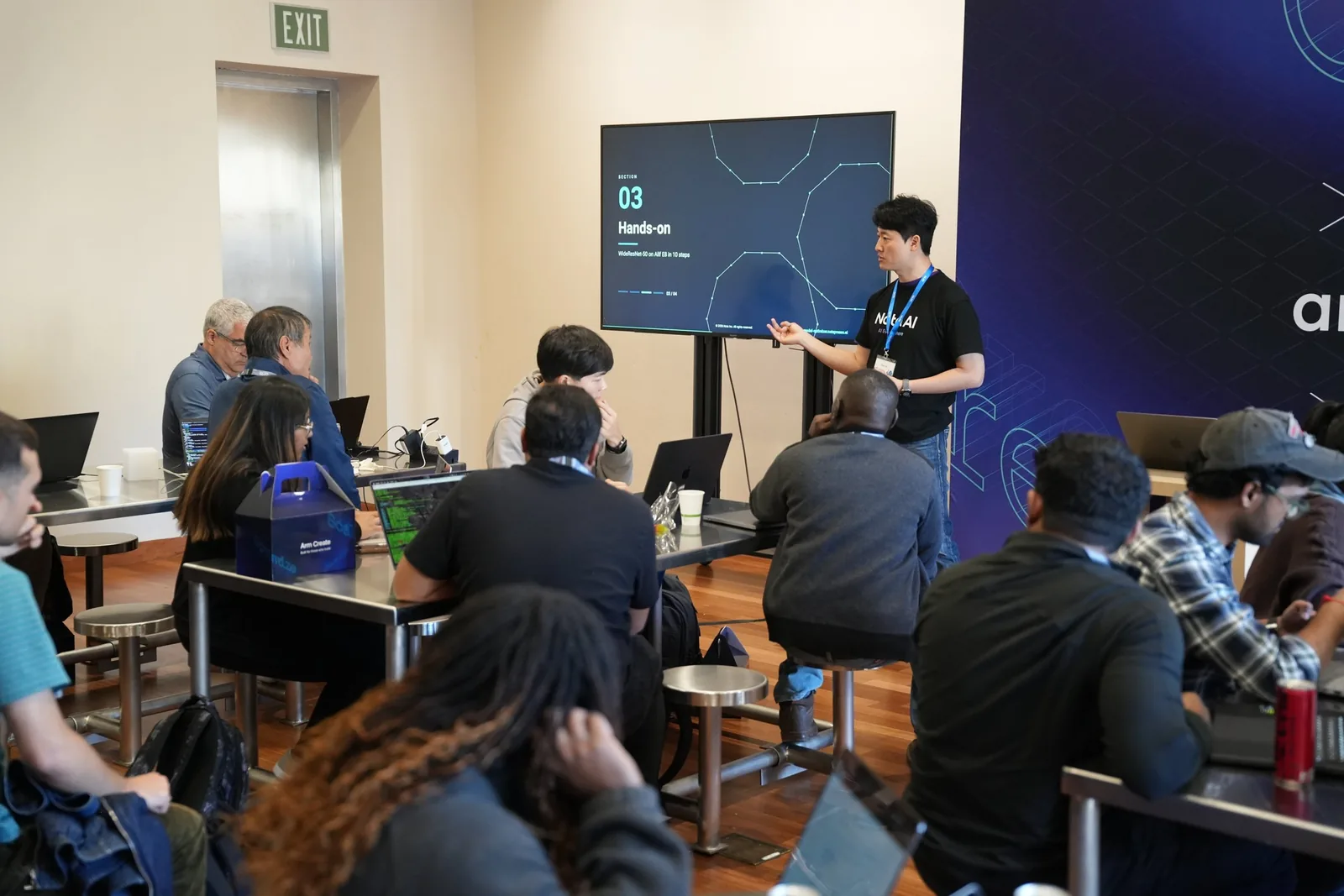
Attendees used Arm AI Model Optimizer to optimize models from edge NPUs to cloud CPUs with a single tool. Arm and Nota AI plan to add more runtimes, backends, and supported hardware over time, using feedback from Early Access Program participants to guide further development.
To explore model optimization for your application, apply for the Arm AI Model Optimizer Early Access Program.